Faults
A fault is the device's own trouble code: a structural problem, latched with a code, a detail, a count and the time it was first and last seen. It survives restarts and power cycles until someone clears it, so a problem that happened once in the field is still visible on the bench weeks later.
Where faults show
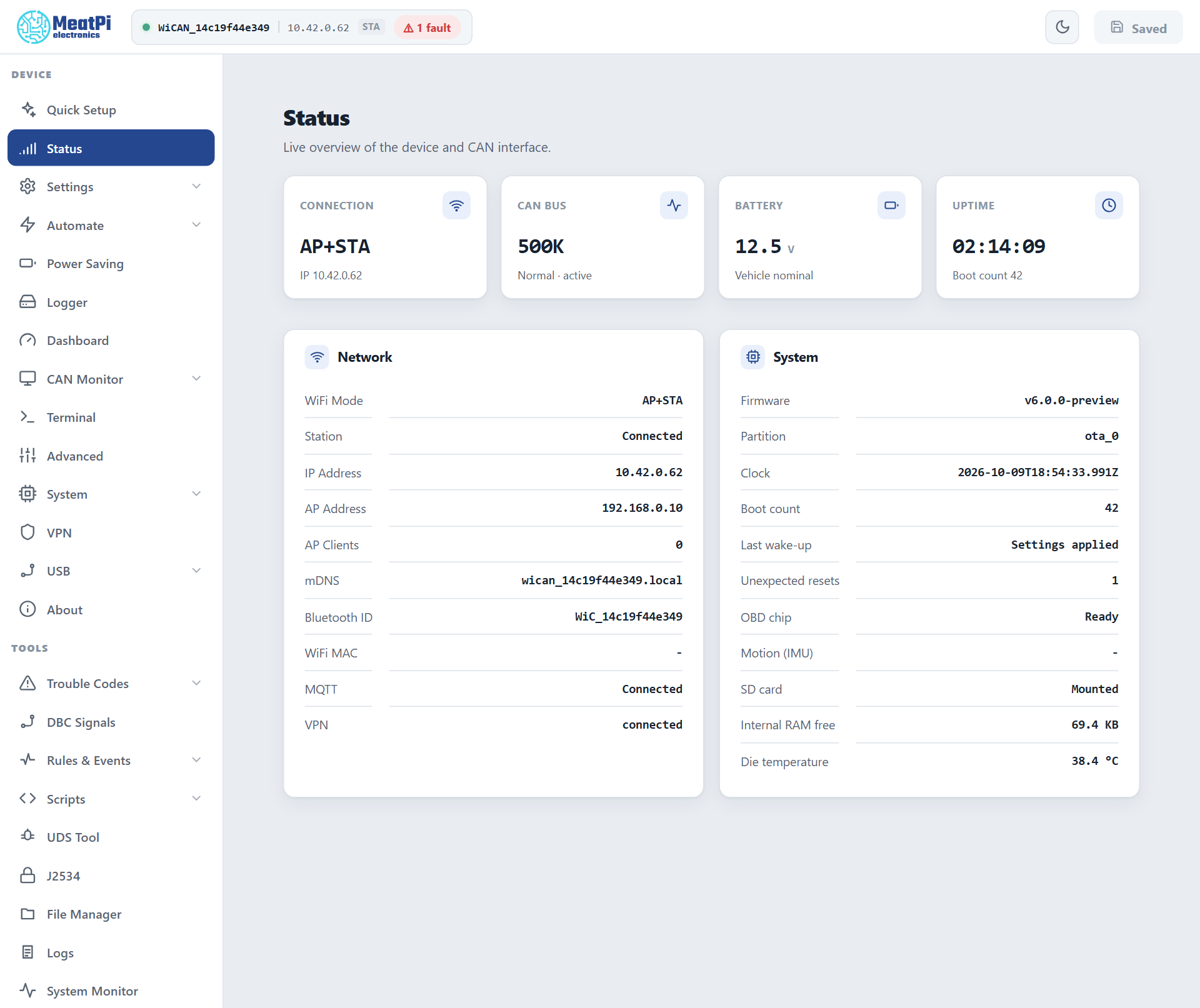
A red chip in the header, 1 fault, next to the device name: click it for the list. System Monitor › Fault codes lists them with their details; GET /api/faults returns them (Device).
The codes
| Code | What it means | What to do |
|---|---|---|
boot_errors |
Error lines were logged while the device started; the detail counts them. Something did not start as it should: a file it could not read, a card it could not mount, a component that fell back to defaults. | read the start of the log (Logs); fix the cause; clear the fault. A device updated from the v4.5x firmware carries one from the boots before its partition layout was rewritten; that one is dropped by itself. |
registry_headroom |
An internal table is within two entries of full: connection rows, rules, routes, settings components. The detail names it. | remove rows you do not use; report it |
boot_flash_budget |
More than 64 flash erases during one start: the settings were rewritten wholesale (a corrupt settings file replaced by defaults, a migration). | once after an update is expected; repeated, report it |
flash_churn |
Flash erases kept rising for ten minutes in a row while the device ran: something writes continuously. | find the writer (a logger pointed at internal flash, a script); report it |
internal_ram_low |
The internal heap dropped under 8 KB free, or its lowest value under 4 KB. Below that Bluetooth and the web server misbehave without an error of their own. | fewer features at once (Bluetooth, VPN, the CAN monitor stream, a logger); report it with the System Monitor figures |
logger_file_corrupt |
A log file could not be read back; it was set aside as <name>.corrupt and logging went on in a fresh file. |
copy the .corrupt file off the card if it matters, then delete it |
Clear
The chip's list has a Clear button (POST /api/faults/clear); the console command is faults -c. Clearing forgets the record only: a fault whose cause is still there comes back on the next start. Safe mode's factory reset wipes them with the key-value store they live in; the web interface's factory reset keeps them.
How they are kept
Sixteen slots in the device's key-value store, written once when a code first appears and at most once per boot when it repeats, so the fault store can never become the flash-wear problem it guards against. Counts between those writes are kept in RAM.