Files
The dongle keeps a small filesystem on its own flash, 4 MB under `/data`, for certificates and its records. The Files page browses it; the System page manages the certificate sets that live there. There is no memory card slot.
The Files page
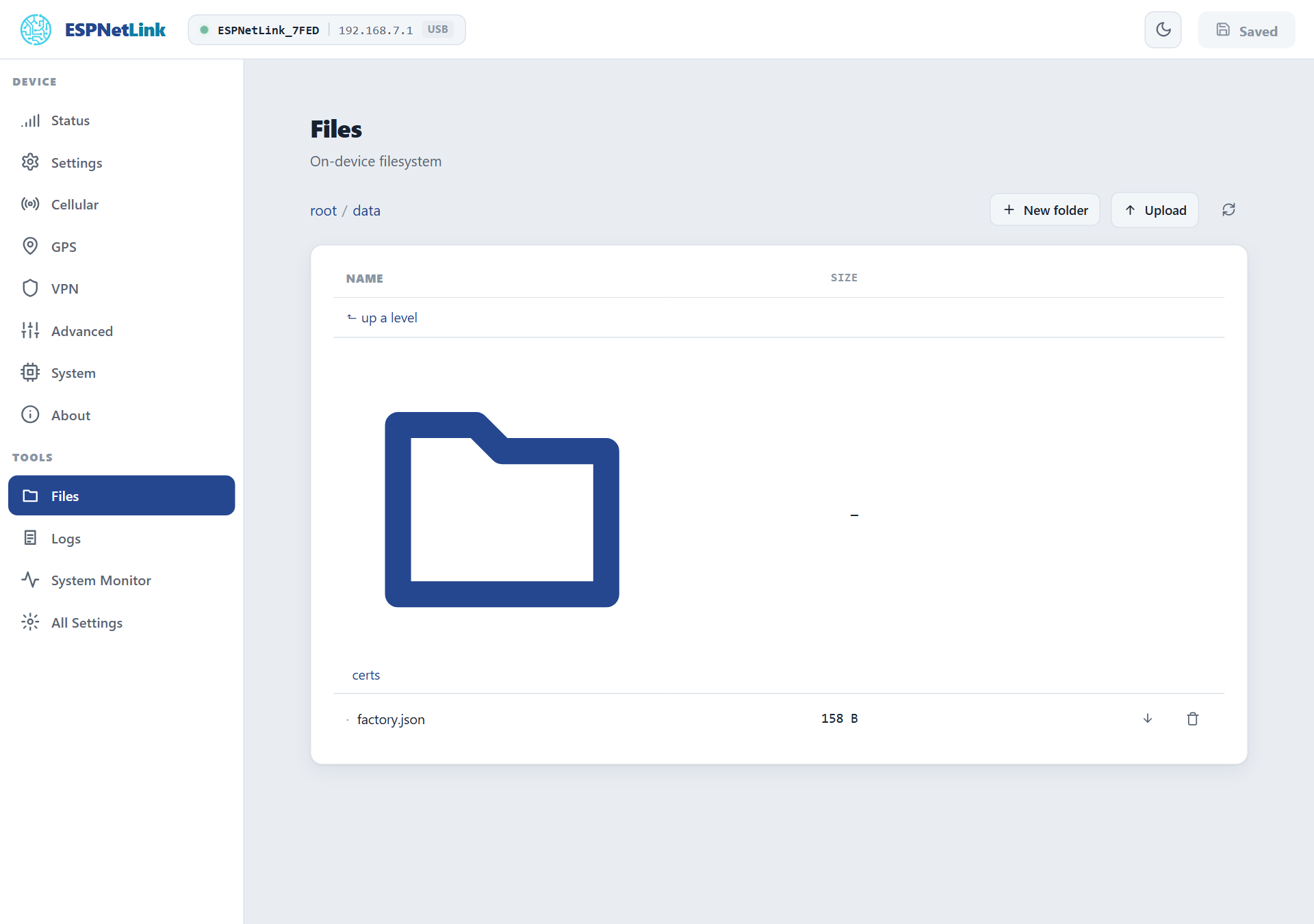
What you will find under /data:
| Entry | What it is |
|---|---|
certs/ |
The TLS certificate sets, one folder per set. |
factory.json |
The production record written when the dongle was tested: the device id, MAC, firmware and date. Leave it. |
config.json.imported |
On a dongle updated from firmware 1.2x: its old configuration, renamed after the import. Can be deleted. |
Upload takes a file of any kind up to 2 MB into the current folder; New folder creates one; the arrow downloads a file; the bin deletes a file or an empty folder. Writes are atomic: a power cut during an upload leaves the old file or the new one, never a torn one. The settings themselves are not here: they live on a separate partition, reached through Backup and restore.
fs on the console prints the space used; GET /api/fs/info?path=/data the same for a script.
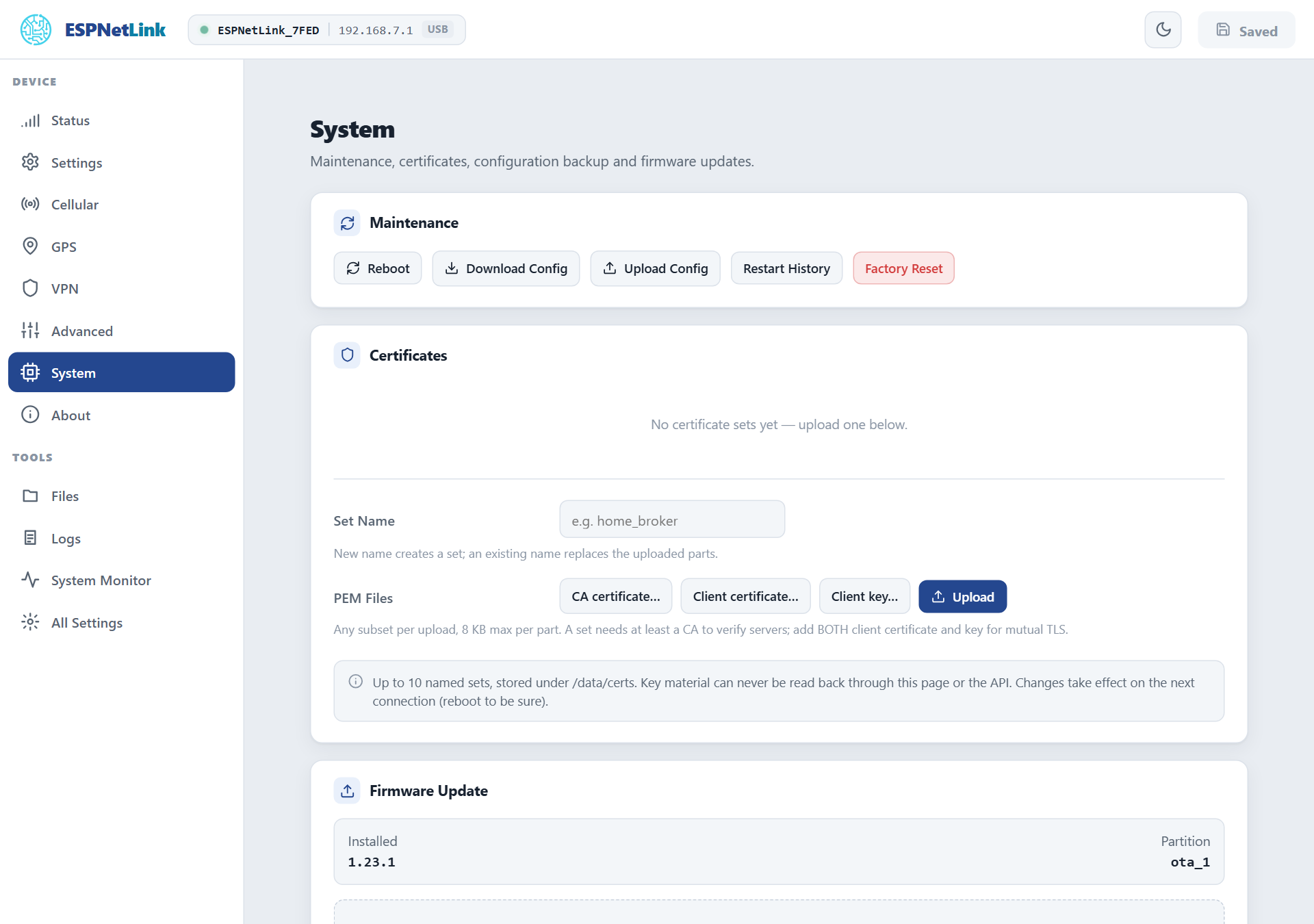
Certificates
System › Certificates holds named sets of PEM files for connections the dongle makes with TLS: today the Home Assistant push to a server with a private certificate authority (Cert Set on the Home Assistant card).
| Part | File | For |
|---|---|---|
| CA certificate | ca.pem |
Verifying the server. A set needs at least this. |
| Client certificate, Client key | client.crt, client.key |
Mutual TLS, when the server asks the dongle to prove itself. Add both. |
Type a Set Name (letters, digits, - and _, up to 24 characters), pick any of the three files (8 KB each at most) and Upload. An existing name replaces the parts you uploaded and keeps the others. Up to ten sets. Key material can never be read back, through this page or the API; the generic file browser can still see the certs folder, so keep the dongle's network trusted. Deleting a set sends the connections that used it back to the built-in bundle at their next attempt.